 简体中文
简体中文 繁體中文
繁體中文 English
 Français
 Русский язык
 日本語
日本語 ภาษาไทย
 한어
한어 Tiếng Việt
 Pilipino
 بالعربية
 বাংলা
বাংলা IndonesiaName



EZCAD2 dongle program download
Views :
Update time : 2025-01-16
Introduction to EZCAD2 Dongle Driver
1. Purpose of the Dongle
- Software Protection: Prevents unauthorized use of the EZCAD2 software.
- License Verification: Stores unique licensing information to validate software legitimacy.
Hardware Binding: Ensures the software only runs when the correct dongle is inserted.
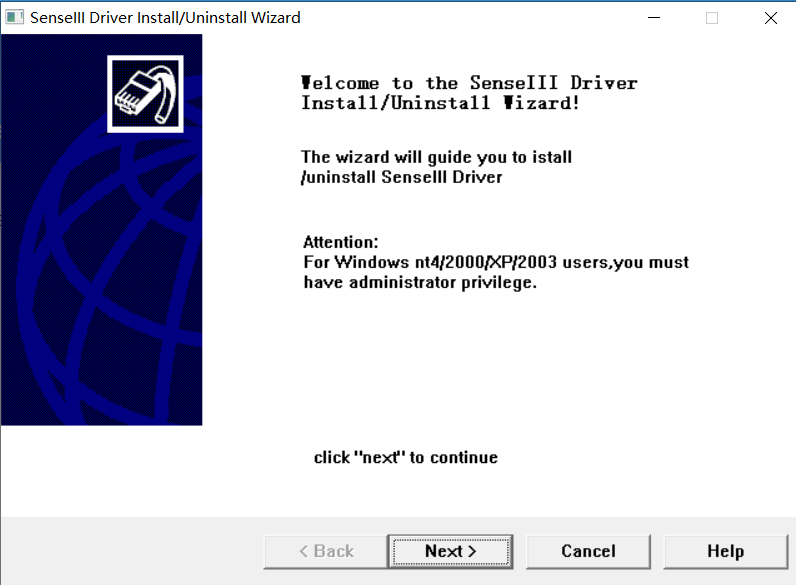
2. Functions of the Dongle Driver
The dongle driver enables the operating system and EZCAD2 software to recognize and communicate with the dongle. Key functions include:
- Establishing a communication interface on the computer.
- Providing APIs for the software to access the dongle.
- Ensuring the firmware inside the dongle operates correctly.
3. Steps to Install the Driver
Obtain the Driver:
- The driver is usually included in the EZCAD2 installation package.
- It can also be downloaded from the official EZCAD website or the device supplier.
insert the Dongle:
- Plug the dongle into a USB port on the computer.
Install the Driver:
- Locate the driver file (usually an
.exefile) and double-click to run it. - Follow the installation wizard to complete the process.
- Locate the driver file (usually an
Verify Driver Installation:
- Open Device Manager and check under "Universal Serial Bus Controllers" for the dongle device.
- If the device is listed correctly, the installation was successful.
4. Common Issues and Solutions
Driver Installation Fails:
- Ensure the driver version matches your system (32-bit or 64-bit).
- Check if the USB port is functioning properly.
- Disable antivirus software before installation to avoid file interference.
Dongle Not Recognized:
- Try a different USB port.
- Test the dongle on another computer to verify it is functioning.
- update or reinstall the dongle driver.
EZCAD2 Fails to Start:
- Confirm the dongle is correctly inserted.
- Ensure the installed driver version matches the software version.
5. Important Notes
- Backup the Driver: Before switching computers or reinstalling the operating system, back up the driver for quick recovery.
- Keep the Driver Updated: Regularly check official sources for the latest driver version to ensure compatibility and security.
- Handle with Care: As a hardware device, avoid frequent plugging and unplugging or exposing the dongle to physical damage.
By properly installing and configuring the dongle driver, users can ensure the smooth operation of EZCAD2 and protect their usage rights. For further assistance, contact the device supplier or EZCAD official technical support.
Related News
Read More >>
 UMC4 laser marking software do
07 .30.2025
UMC4 Software Introduction refers to the software developed specifically for the UMC4 laser marking ...
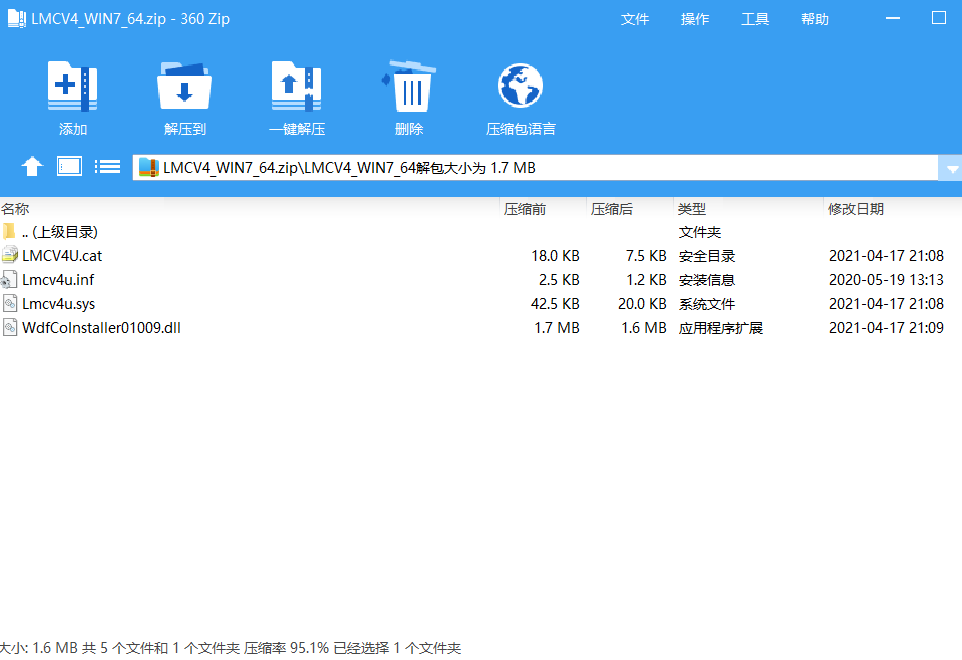 ezcad2 64-bit system driver do
01 .16.2025
MCV4_WIN7_64 Driver IntroductionLMCV4 is a laser control card developed by BJJCZ
 ezcad2 32-bit system driver do
01 .16.2025
LMCV4_WIN7_32 Driver IntroductionLMCV4 is a widely used laser control card devel
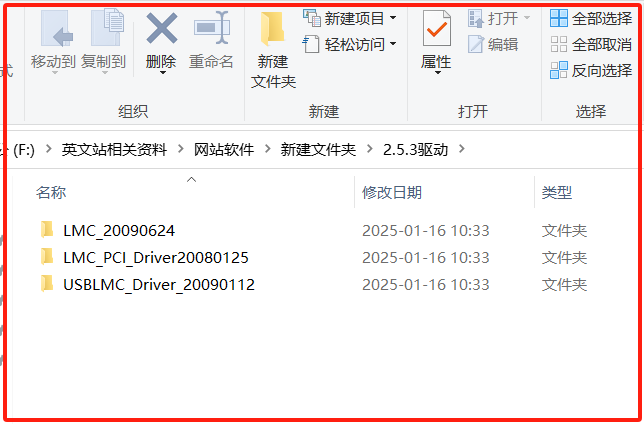 EZCAD2.5.3 Driver Download
01 .16.2025
EzCad2.5.3 Driver IntroductionEzCad2.5.3 is a widely used laser marking control